Electronic devices packed in travelers' bags can unexpectedly delay airport procedures, even if they are allowed on flights. Varying battery types and capacities, storage methods, and airline policies can subject certain items to additional security screening or outright bans.
According to a report published by the tech website Engadget, there is a group of common devices that require attention before heading to the airport, most notably power banks, e-cigarettes, smart luggage, electric toothbrushes, and smartphones.
Knowing the transportation rules for these devices in advance not only helps avoid unexpected situations but can also save valuable time and reduce the chances of missing a flight.
1. Power Banks and Lithium Batteries
Check the capacity before packing
Portable power banks (chargers) are among the top devices subject to special rules when flying. Batteries with a capacity not exceeding 100 watt-hours (Wh) are usually allowed in carry-on bags, while they are prohibited in checked luggage.
These rules also apply to devices with built-in lithium batteries, such as laptops, cameras, tablets, and smartwatches.
Batteries exceeding 100 Wh are subject to stricter restrictions. Transporting them may require prior approval from the airline, and they are not allowed in checked luggage.
Travelers can determine a power bank's capacity from the technical specifications printed on it, or calculate it using the following formula:
Battery capacity in milliampere-hours (mAh) × Voltage (V) ÷ 1000.
For example, a power bank with a capacity of 20,000 mAh and a voltage of 3.7V is about 74 Wh, which is below the stated limit.
The requirement to carry these batteries in the aircraft cabin is due to the risk of them overheating and causing a fire, making their handling an important safety measure during flights.
2. E-Cigarettes and Vapes
Prohibited in checked luggage
Despite their small size, e-cigarettes and vapes are subject to clear restrictions when traveling by air. They must be placed in carry-on bags and are not allowed in checked luggage.
Some airlines also prohibit their use or charging during the flight. According to the report, Southwest Airlines allows each passenger to carry two devices, but prohibits their use or charging on board.
Restrictions are not limited to vapes. Some small electronic tools, such as laser pointers, may be subject to different rules depending on the airline. For example, Air Canada does not allow them in the cabin and requires them to be placed in checked luggage.
3. Smart and Electric Luggage
The bag's battery could prevent it from boarding
Suitcases are no longer just a means of carrying luggage. Some modern models are equipped with USB charging ports, GPS trackers, and Bluetooth locks, while others contain electric motors that allow travelers to ride and navigate on them.
However, these technical features can become an obstacle during security checks, especially since smart bags are subject to the regulations governing lithium batteries.
If the bag is checked in, the removable battery must be taken out before handing it over. If it will be taken into the cabin, travelers must ensure the battery and dimensions meet the applicable requirements.
The problem escalates when the battery is non-removable, as this may lead to the bag being rejected or required to be taken into the cabin at the discretion of the relevant authorities.
As for motorized bags, electric skateboards, and small personal transport devices, acceptance rules vary among airlines. Carriers like American Airlines and Delta Airlines ban certain types of these bags, while Air Canada imposes restrictions on a range of electric transport devices.
4. Electric Toothbrushes
A simple device that could cause extra screening
Many travelers might not expect an electric toothbrush to delay security procedures, but because it contains batteries, it is preferable to place it in a carry-on bag rather than checked luggage.
The problem does not lie in the presence of the toothbrush in the bag itself, but rather in the possibility of it being turned on by mistake while the luggage passes through security screening machines.
Some portable devices, such as electric toothbrushes and massagers, may emit vibrations or sounds due to accidental activation, which could prompt security personnel to subject the bag to additional screening.
To avoid this, it is recommended to ensure the device is completely turned off before placing the bag on the screening belt.
5. Smartphones
Why might a security officer ask you to turn on your phone?
Smartphones, tablets, and laptops are common items for travelers, but they are subject to special screening procedures at many airports.
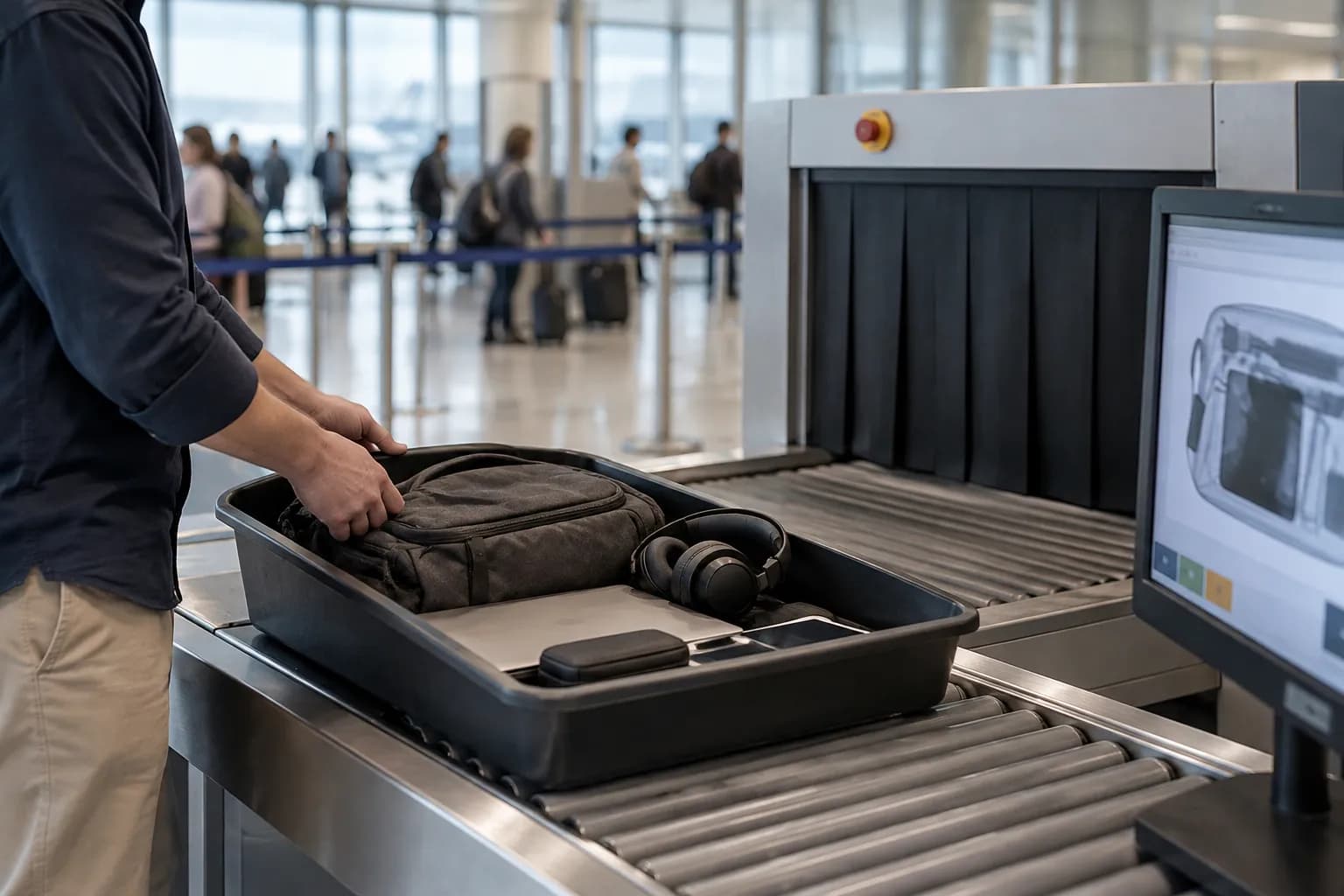
A traveler may be asked to take their phone out of their bag and place it in a screening bin, ensuring it is clearly visible to security personnel.
Inspectors can also request that some electronic devices be turned on to ensure they operate normally, according to the procedures noted in the report. Therefore, it is preferable to ensure phones and portable devices are charged before arriving at the airport.
The report includes an important exception regarding the Samsung Galaxy Note 7, which was banned on flights due to the risk of its battery catching fire after being recalled from the market in 2016.
Tips to Avoid Flight Delays Due to Electronic Devices
Before heading to the airport, it is best to review the airline's instructions regarding permitted devices and batteries, and to check the capacity of power banks and how they should be stored.
It is also recommended to remove detachable batteries from smart bags when checking them in, turn off electronic devices completely, and ensure phones and laptops are charged in case you are asked to turn them on during screening.
Ultimately, being allowed to carry an electronic device does not mean it can be placed in any bag or transported without restrictions. Knowing the specific safety rules for each device and adhering to the instructions of security personnel and the airline remains the best way to avoid delays and reach the boarding gate on time.